


ETP Newsletter: May 2025
End-of-Year IT Health Check for K-8 Schools: Streamline Your Tech Wrap-Up with ETP
As the school year comes to a close, K-8 school IT administrators and technology coordinators face the critical task of performing an end-of-year technology wrap-up. This process is essential for ensuring that your systems are secure, organized, and ready for the next academic year. In this blog post, we will explore how to conduct a thorough IT health check, covering device audits, backups, permissions cleanup, hardware retirement, and summer refresh preparation.

By following these steps, you can streamline your technology management and set your school up for success. Additionally, we will highlight ETP’s Managed IT Administration & Policy Support as a valuable resource for your end-of-year needs.
Device Audits: Know Your Inventory
The first step in your end-of-year IT health check is to conduct a comprehensive device audit. This involves taking stock of all devices in your school, including computers, tablets, and other technology.

Start by creating an inventory list that includes the make, model, and condition of each device. This will help you identify any devices that need repairs or replacements.
Additionally, consider tracking the usage of each device to determine which ones are most frequently used and which ones may be underutilized. This information can guide future purchasing decisions and help you allocate resources more effectively.
Backups: Protect Your Data
Data loss can be devastating, especially at the end of the school year when important files and student records are at stake. To prevent this, ensure that all critical data is backed up securely.
Implement a regular backup schedule that includes both on-site and off-site backups. Cloud storage solutions can provide an additional layer of security, allowing you to access your data from anywhere.

Before the school year ends, verify that all backups are complete and functioning properly. This will give you peace of mind knowing that your data is safe and secure.
Pro Tip: when you partner with ETP you get the Server Cloud Backup service included!
Permissions Cleanup: Maintain Security
As staff and students come and go throughout the school year, it’s essential to regularly review and clean up user permissions.
Start by auditing user accounts to ensure that only current staff and students have access to your systems. Remove any accounts that are no longer needed, and review the permissions of active accounts to ensure they align with current roles and responsibilities.
This process not only enhances security but also simplifies user management for the upcoming year.
Hardware Retirement: Plan for the Future

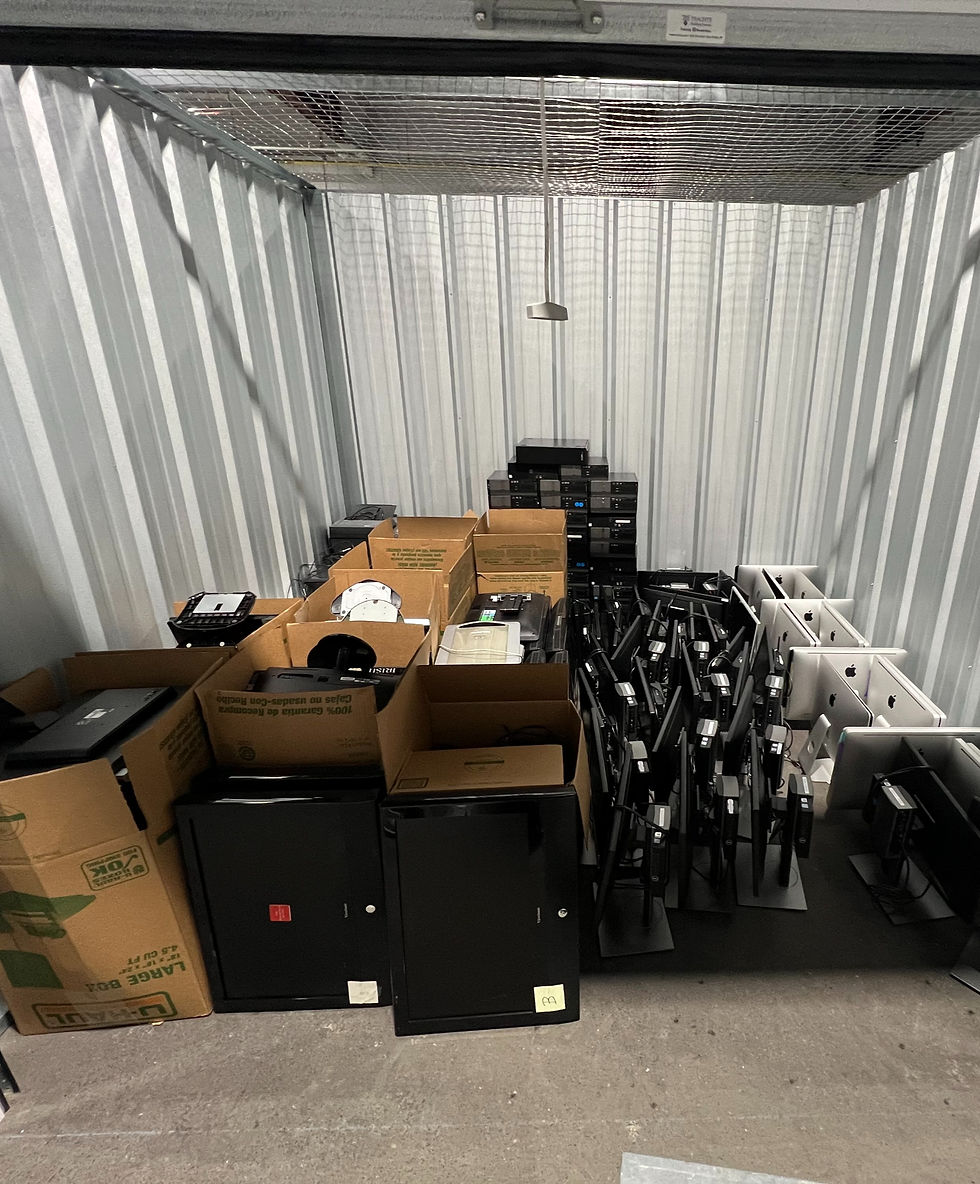
As technology evolves, some devices may become outdated or no longer meet the needs of your school. It’s important to have a plan for retiring old hardware.
Identify devices that are no longer functioning optimally or are too outdated to support current software. Develop a strategy for recycling or disposing of these devices responsibly.
Consider investing in new technology that can enhance learning experiences for students and streamline operations for staff.
Summer Refresh Prep: Get Ready for the New Year
With the end of the school year approaching, it’s time to prepare for a summer refresh. This is an excellent opportunity to clean and update your technology systems.
Start by organizing your tech space, ensuring that all devices are stored properly and that cables are untangled. This will make it easier to set up for the next school year.
Additionally, consider scheduling any necessary maintenance or upgrades during the summer months when the school is less busy. This proactive approach will help ensure that your systems are running smoothly when students return.

Case Example: Streamlining Summer Prep with ETP
While all our technicians assist with summer prep across our schools, one of our long standing schools, Mater Dei Catholic School has been a valued ETP partner. By partnering with ETP's Full Spectrum onsite IT support, they are continuously able to implement a structured end-of-year IT health check.

Our ETP technician, Ian Haserick, has guided them through the device audit process, ensuring that all devices were accounted for and in good condition. They also assisted with data backups and permissions cleanup, allowing Mater Dei to focus on other end-of-year tasks.
Through our partnership, the school starts the new academic year with a refreshed and secure technology environment, ultimately enhancing the learning experience for students.
Conclusion: Take Action for a Healthy IT Environment
As you prepare for the end of the school year, remember that a thorough IT health check is essential for maintaining a secure and efficient technology environment. By conducting device audits, ensuring data backups, cleaning up permissions, planning for hardware retirement, and preparing for a summer refresh, you can set your school up for success.
Don’t forget to consider ETP’s Managed IT Administration & Policy Support as a valuable resource during this process. Their expertise can help you streamline your end-of-year wrap-up and ensure that your systems are ready for the next school year.


Comments